

Open Trackers
View and manage your trackers in the Concrete app
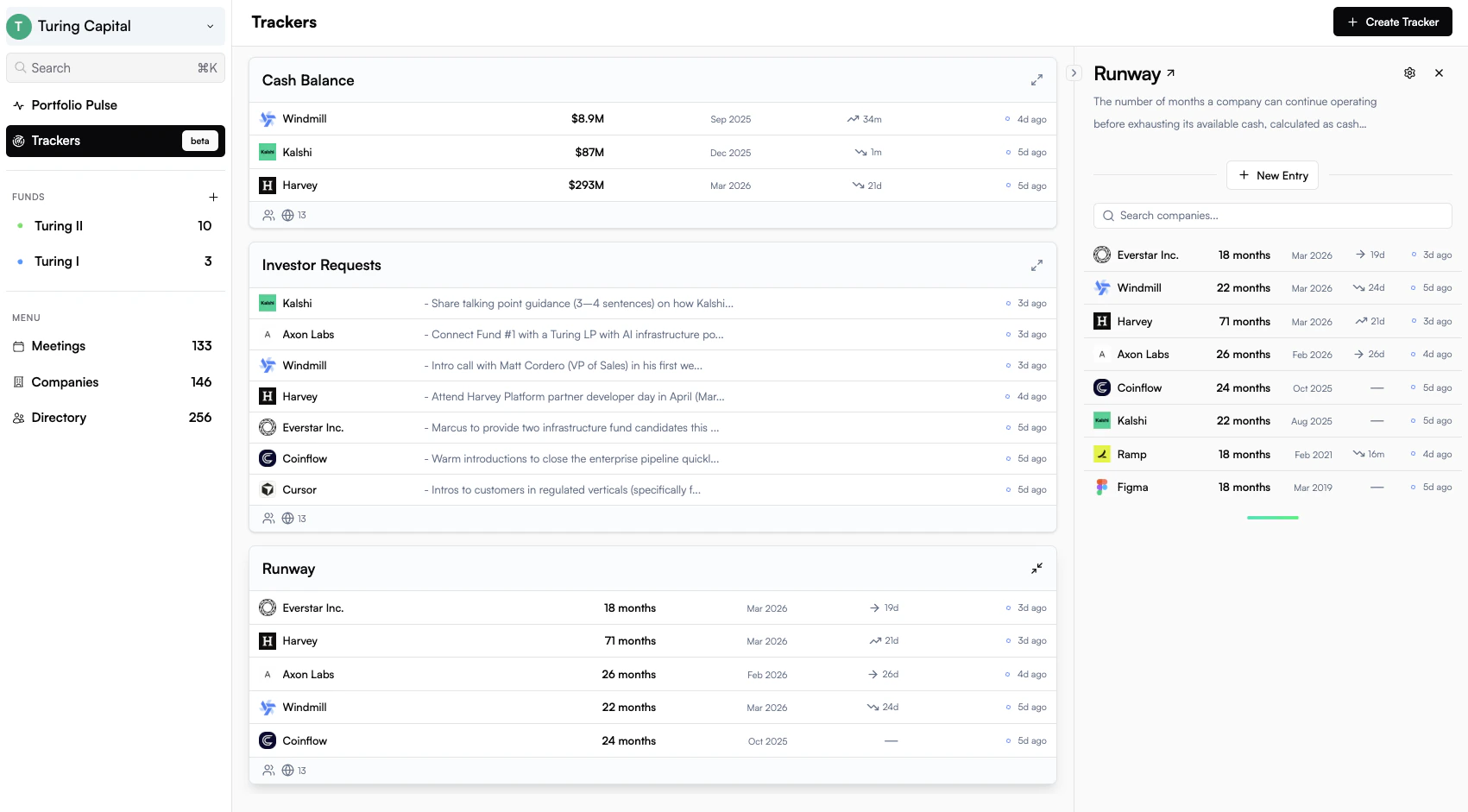
Default Trackers
When you join Concrete, three trackers are set up for you automatically:- Cash Balance: total cash and cash equivalents held by a company at a point in time
- Runway: how many months of operating runway a company has remaining
- Investor Requests: a collected list of asks and introductions founders are seeking from their investors
Creating a Tracker
Trackers are created with the help of AI. You describe what you want to track in plain language and Concrete generates the tracker configuration for you.1
Describe the metric
From the Trackers tab, click New Tracker and describe what you want to track, for example, “monthly ARR” or “headcount by quarter”.
2
Review and refine
Concrete generates a tracker with a name, type, and extraction instructions. Review the preview and refine any details before saving.
3
Set scope and visibility
Choose which companies the tracker applies to and who on your team can see it.
4
Activate
Publish the tracker to begin collecting values. Concrete will backfill values from existing content automatically.
Tracking Values Over Time
Every tracker maintains a history of values for each portfolio company. As new emails, board decks, and investor updates arrive, Concrete’s extraction agent scans the content and adds new values to the timeline automatically. You can also:- Enter values manually from the company’s tracker panel
- Edit or override an extracted value if needed
- View the full timeline to see how a metric has trended over time
Visibility and Scope
When creating a tracker, you control who can see it (Team or Private) and which companies it applies to (All, All with exclusions, or Selected). See the Reference → for full details on all options.Audit Trail
Every tracker value has a status so you can tell at a glance what’s been verified and what came from where:- ○ Suggested: extracted by AI, pending review
- ● Approved: AI suggestion confirmed by a team member
- ● Submitted: entered directly by a team member
- ● Rejected: AI-extracted but dismissed after review